3D book mockups
Your book rendered in 3D from your own cover file: standing, front on, spine, stacked, front and back, or on an e-reader. Pick any background colour, or a transparent PNG.
Upload your cover →- Free
- No sign-up
- No watermark
- Your cover stays on your device
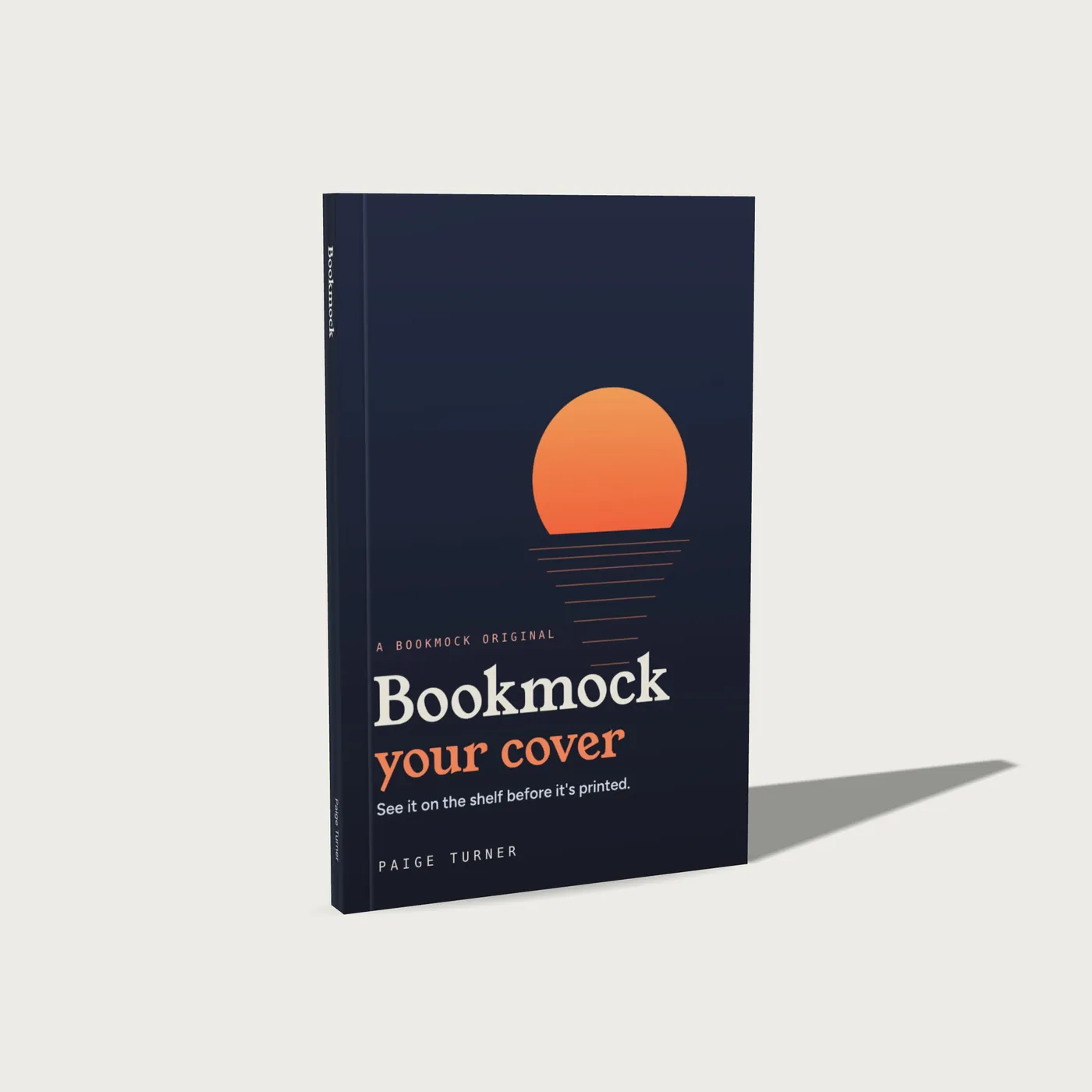
14 3D views
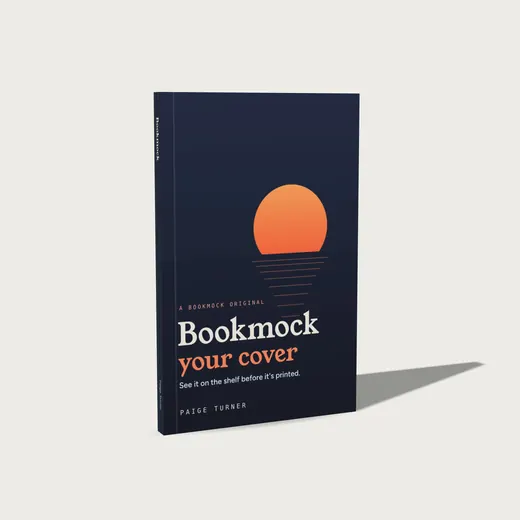
Standing ¾Use this →
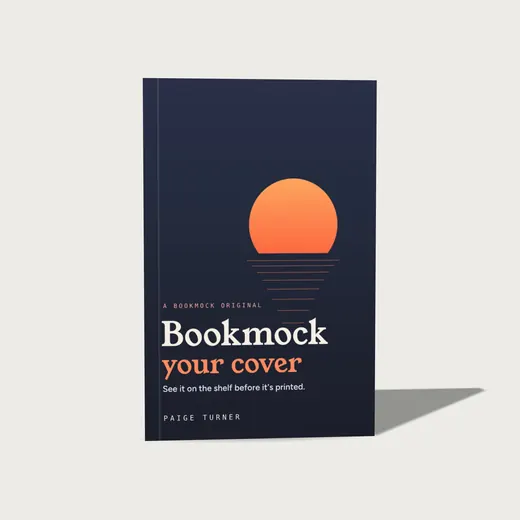
Front OnUse this →
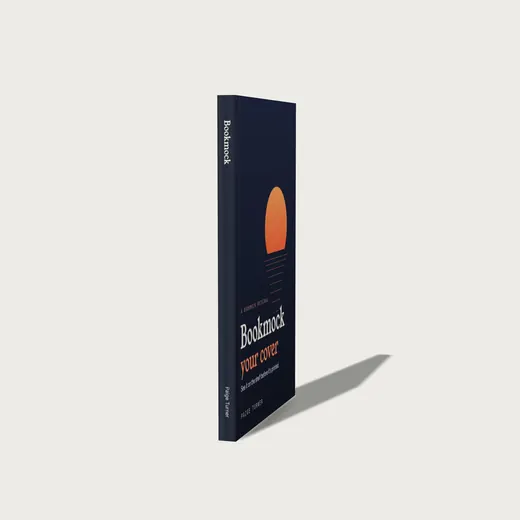
SpineUse this →
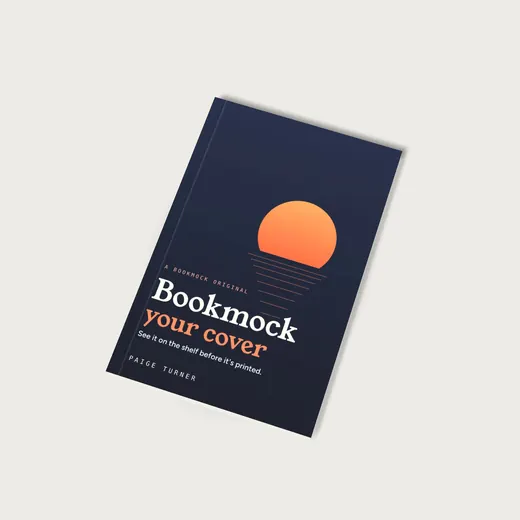
Flat LayUse this →
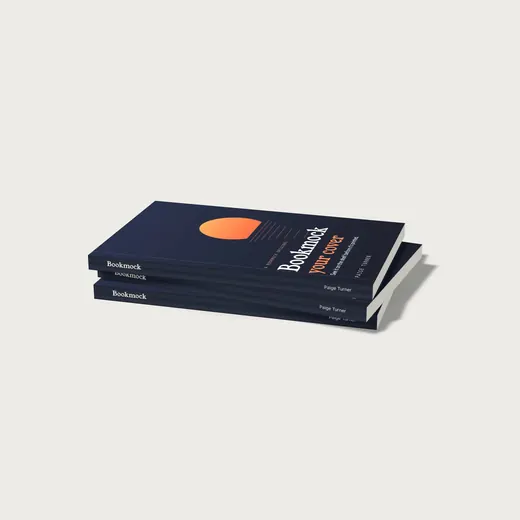
StackUse this →
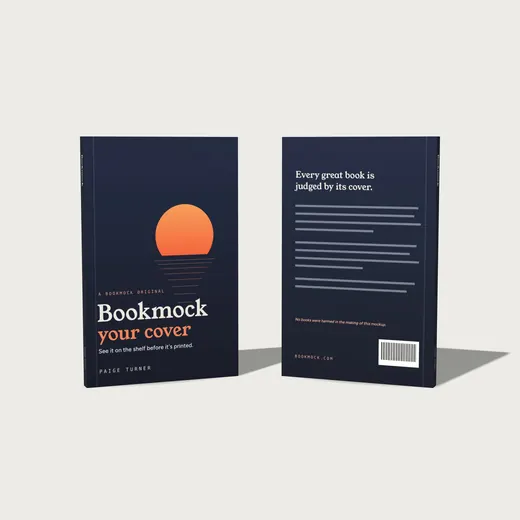
Front & BackUse this →
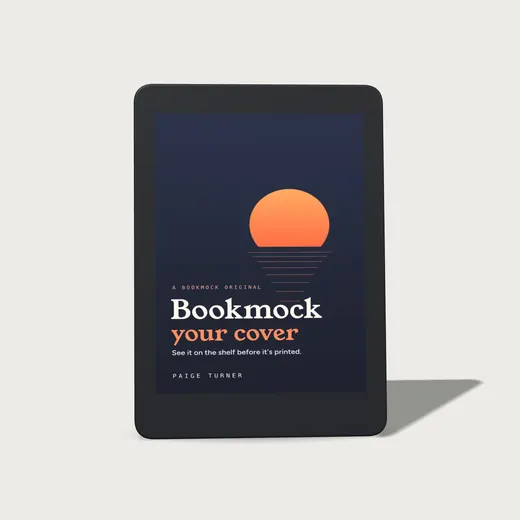
Ebook FrontUse this →
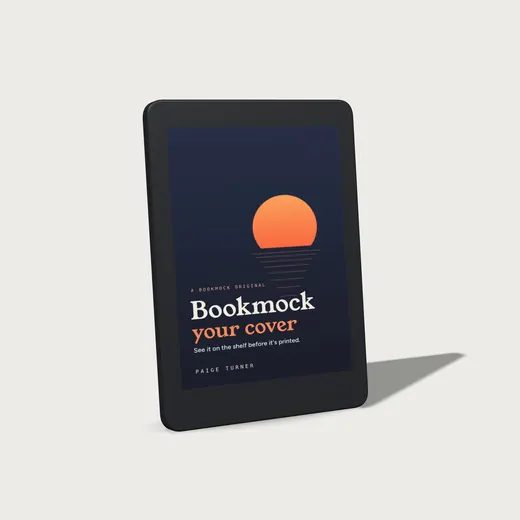
Ebook AngledUse this →
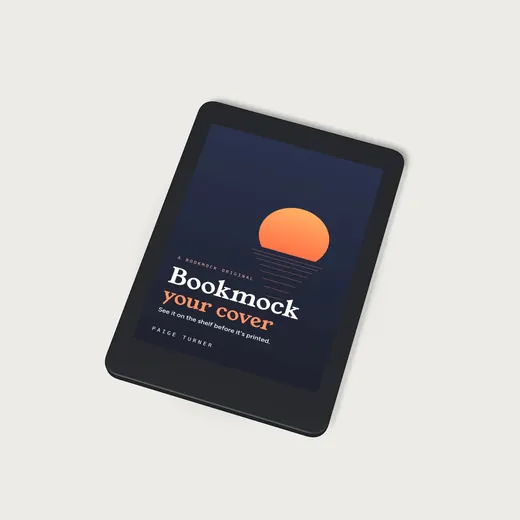
Ebook FlatUse this →
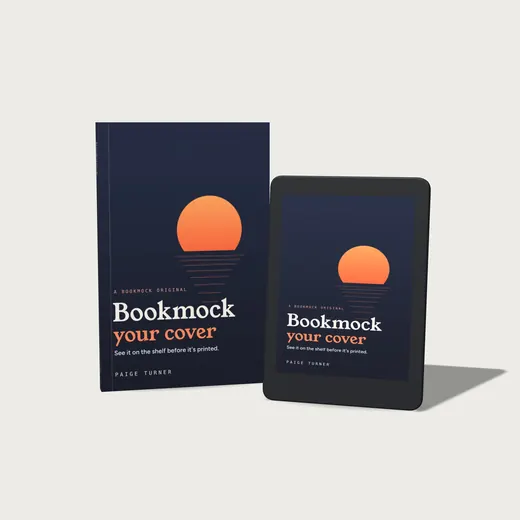
Ebook and PaperbackUse this →
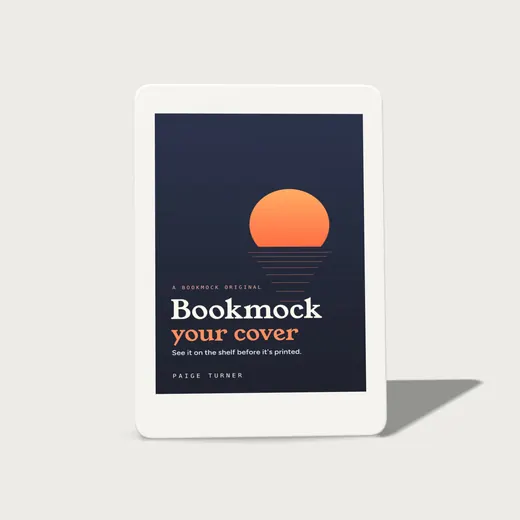
Ebook Front, WhiteUse this →
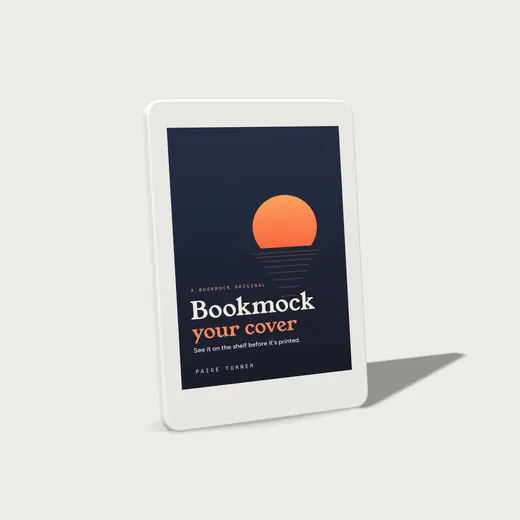
Ebook Angled, WhiteUse this →
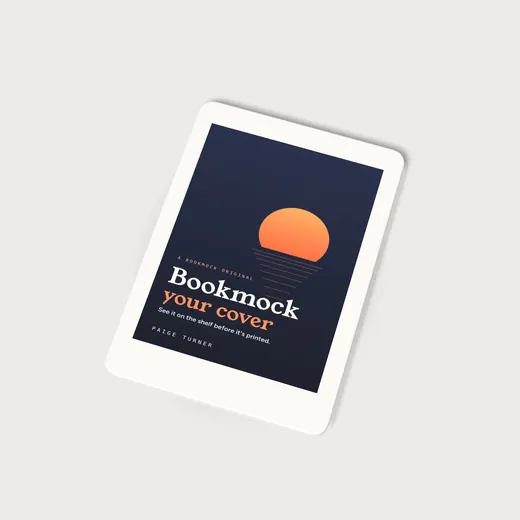
Ebook Flat, WhiteUse this →
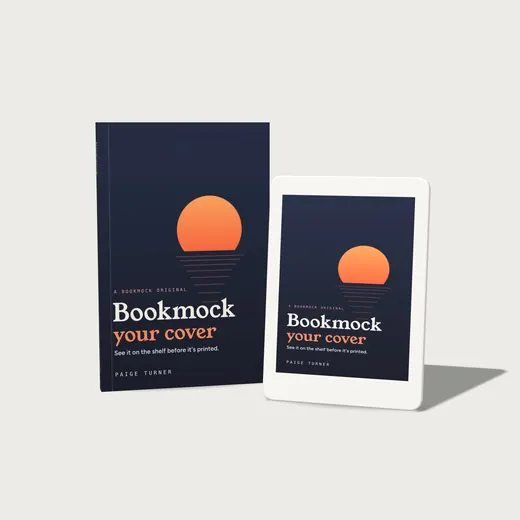
Ebook and Paperback, WhiteUse this →
When a 3D mockup works best
Transparent PNGs
Download with a transparent background and drop the book onto your website, a banner or an ad.
Show the spine and back
Add your full cover wrap and page count to see the real spine and back cover, built to your printer's size.
Turn it yourself
Every 3D view can be turned and tilted by dragging, so you get exactly the angle you want.
More mockups
Questions
Do I need a 3D program?
No. Bookmock builds the 3D book in your browser from your cover image. Nothing to install.
Does it use my real page count?
Yes. Pick your printer, paper and page count, and the spine width follows their own calculator.